
Lyrics Editor Beta V1.7.2
0,00 kr
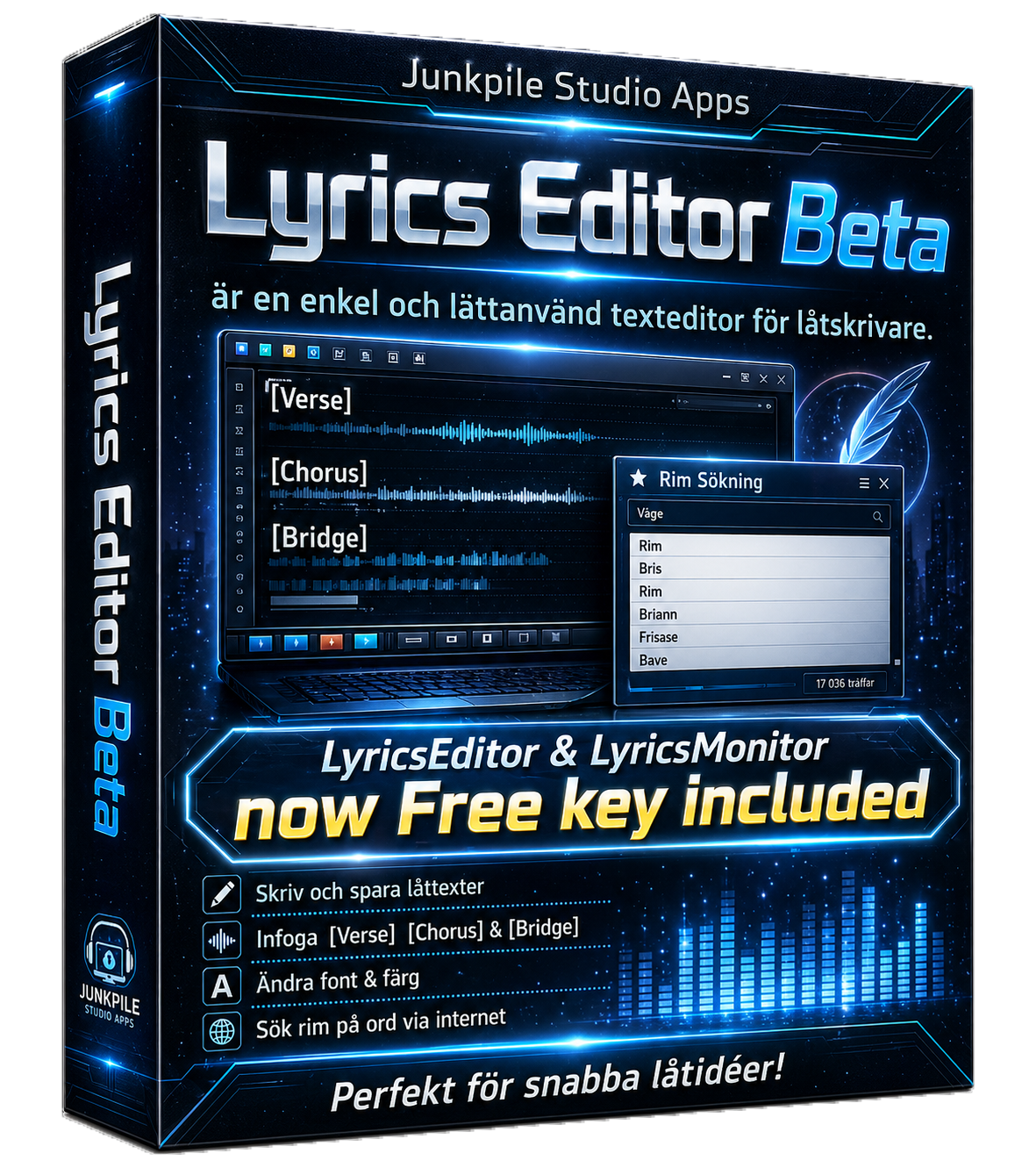
The Lyrics Editor Beta is a lightweight lyric-writing editor made for songwriters. Structure your lyrics with built-in headers, save in TXT or RTF, and get rhyme help when inspiration slows down. Free to try, easy to use, and built to keep your writing moving.
Now includes LyricMonitor VST a singers help when recording, Mark your lyrics in tempo
-
play_circle_filled
01. We are brothers and sisters
Frankenstein Junkpile
Description
# Lyrics Editor + LyricsMonitor VST3

A lyric writing and timing workflow for songwriters working with Cubase.

This project contains two connected parts:

1. **Lyrics Editor** – a Windows desktop editor for writing lyrics, managing reusable song section/header configurations, finding rhymes, and assigning timing to individual words.
2. **LyricsMonitor VST3** – a Cubase-compatible VST3 plugin that reads exported lyric timing data and displays the active word during playback.

---

## Overview

The goal of this project is to make it easy to:

- write and structure lyrics
- assign timing to words or phrases
- export timing data for Cubase playback
- display the current lyric word in sync with the project timeline using a VST3 plugin

The editor and plugin communicate through JSON and a small anchor file stored in the user's Documents folder.

---

## Main Features

### Lyrics Editor

- Rich text lyric editing
- Load and save `.rtf` and `.txt`
- Insert song section headers such as:
  - `[Intro]`
  - `[Verse 1]`
  - `[Chorus]`
  - `[Bridge]`
  - `[Outro]`
- Manage multiple custom header configurations
- Rhyme lookup support
- Word timing assignment via context menu
- Timing overview in a grid
- Edit and delete saved timings
- Export to Cubase / LyricsMonitor JSON format

### LyricsMonitor VST3

- Reads exported lyric timing data
- Uses Cubase transport/playback position
- Displays the active word in sync with the timeline
- Reads an anchor `.ini` file to know which lyric JSON file is currently active
- Works with exported files from Lyrics Editor

---

## Workflow

### Basic workflow

1. Write or open lyrics in **Lyrics Editor**
2. Select a word
3. Use **Set Word Timing...**
4. Enter `StartQn` and optional `EndQn`
5. Review timings in the timing grid
6. Export to Cubase
7. Open Cubase and insert **LyricsMonitor**
8. Start playback and watch the active word update

---

## Timing Format

The editor uses **quarter note positions** (`Qn`) for timing.

Examples:

- `1.0` = beat 1
- `1.5` = halfway between beat 1 and 2
- `2.0` = beat 2

This allows the lyrics to follow tempo and transport position in Cubase.

---

## Exported Files

Export creates files in:

```text
Documents\LyricsMonitor
Additional information
| When you download you confirm this by downloading this filead this file | I confirm that I have read the product information, instructions and terms of purchase for Lyrik Editor. I understand that the product is a digital downloadable program and agree that delivery will begin immediately after purchase. I am aware that the right of withdrawal therefore ends once the download or delivery has begun, to the extent permitted by law. I understand that I am responsible for checking that my computer is compatible with the program and for backing up important files and texts before use. |
|---|---|
| Software Terms | Köpvillkor och ansvarsbegränsning för Lyrik Editor 1. Produkt 2. Kompatibilitet 3. Säkerhetskopiering 4. Begränsning av ansvar 5. Tekniska variationer 6. Användning 7. Konsumentens rättigheter 8. Ansvarsgräns 9. Digital leverans Terms of Purchase and Limitation of Liability for Lyrik Editor 1. Product 2. Compatibility 3. Backup 4. Limitation of Liability 5. Technical variations 6. Use 7. Consumer rights 8. Limitation of liability 9. Digital delivery |
| Terms | Terms |
Only logged in customers who have purchased this product may leave a review.



Reviews
There are no reviews yet.